


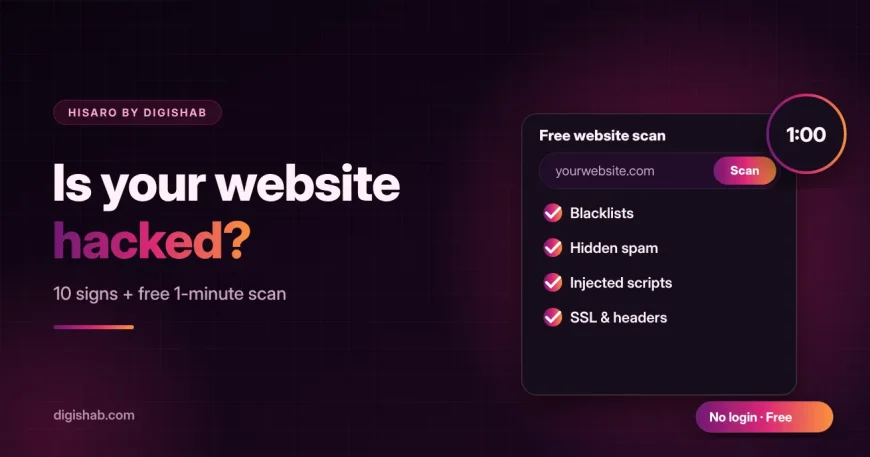
Most hacked websites don’t show a big skull on the homepage. Today’s attackers want to stay hidden, so they can use your website to send spam, steal data or rank fake pages on Google for as long as possible. Many business owners only find out weeks later.
Here are ten warning signs that your website may be hacked, what each one means, and how to check your site for free in under a minute.
10 Signs Your Website May Be Hacked
- Google shows a warning. “This site may be hacked” in search results, or a red “Deceptive site ahead” screen in Chrome.
- Strange pages in Google. Searching
site:yourdomain.comshows Japanese, pharma or casino pages you never made. - Visitors get redirected. Some visitors, often on mobile or coming from Google, are sent to scam or gambling sites.
- Traffic suddenly drops. Your rankings fall without any change on your side.
- New admin users appear. Unknown accounts with administrator access.
- Your hosting company suspends the site or warns about malware or spam emails.
- Your emails go to spam because your server is blacklisted for sending junk.
- The website is suddenly slow or uses much more server resources.
- Unknown files appear in your hosting, often with random names or in the uploads folder.
- Customers report problems, such as pop-ups, fake payment pages or antivirus warnings.
Why Hacks Stay Hidden So Long
Modern malware often shows itself only to certain visitors, such as Google’s crawler or first-time mobile visitors. If you are logged in as admin, you may see a perfectly normal website. That is why checking from the outside, the way Google and your customers see it, is so important.
Check Your Website Free in Under a Minute
The free Hisaro website scan checks your site from the outside, in real time:
- Google Safe Browsing and antivirus blacklists
- Spam pages shown only to Google (cloaking)
- Injected scripts and malicious redirects
- Exposed files such as backups and config files
- SSL certificate and security headers
- Email protection records (SPF, DKIM, DMARC)
No signup or login is needed. You get a report link that you can share on WhatsApp with your developer or team.
What to Do If Your Website Is Hacked
- Don’t panic, and don’t delete things randomly. Take a full backup first, even of the infected site.
- Change passwords for WordPress, hosting, FTP and email from a clean device.
- Find the entry point, such as an outdated plugin, nulled theme or weak password.
- Clean every infected file and the database, including hidden backdoors.
- Request removal from blacklists and a review from Google if flagged.
- Add protection so it doesn’t happen again.
If this sounds like a lot, Hisaro Clean & Recover handles it for you: analyst cleanup, a root-cause report, blacklist removal, 30 days of monitoring and a year of protection.
Free website scan
Is your website hacked? Check it free in under a minute
Hisaro checks blacklists, hidden Japanese SEO spam, injected scripts, exposed files, SSL, security headers and email protection. No login, and you get a shareable report link.
What the Free Scan Report Tells You
After the scan, you get a clear report with a link you can share. It explains each finding in plain language, for example:
- Whether Google or antivirus companies list your site as dangerous
- Whether Google sees different content than your visitors, a common sign of SEO spam
- Scripts loaded from unknown or risky domains
- Files that should not be public, such as backups or configuration files
- Problems with your SSL certificate or missing security headers
- Whether your domain is protected against email spoofing
If the scan finds a serious problem, you can talk to a Hisaro analyst on WhatsApp straight away. If it finds nothing, it’s still worth adding protection, because a clean site today can be hacked tomorrow.
Why Business Owners Should Check Regularly
Your website is often the first thing customers see. A Google warning or a redirect to a scam site can lose customers in seconds and damage trust that took years to build. Checking regularly, and especially after any strange behaviour, helps you catch problems before customers and Google do.
Signs That Point to a Specific Problem
- Google warning or red screen: usually malware, phishing pages or a blacklisted domain
- Japanese or pharma pages in Google: SEO spam with cloaking
- Mobile redirects: injected redirect scripts or .htaccess rules
- Emails going to spam: your server may be sending spam, or SPF and DMARC records are missing
- Unknown admin users: stolen passwords or a vulnerable plugin
Knowing which problem you have helps you fix it faster and explain it to your developer or hosting company.
How to Prevent It
- Keep WordPress, themes and plugins updated
- Never use nulled themes or plugins
- Use strong, unique passwords and two-factor login
- Remove unused plugins, themes and old installations
- Use a firewall and daily scanning
- Keep off-site backups
Talk to DigiShab
Worried about your website’s security?
Talk to a DigiShab security analyst. We review your site and reply with clear next steps.
Frequently Asked Questions
How can I check if my website is hacked for free?
Run the free Hisaro scan at digishab.com/hisaro/scan.html. It checks blacklists, hidden spam, injected scripts, exposed files, SSL and email records in under a minute.
Is the free scan safe for my website?
Yes. It only reads what any visitor or search engine can see. It does not log in or change anything.
My website looks normal. Can it still be hacked?
Yes. Many hacks show spam or redirects only to Google or certain visitors, while owners see a normal site.
Can a hacked website hurt my Google rankings?
Yes. Spam pages, redirects and Google warnings can drop your rankings and traffic quickly.
Which websites does Hisaro support?
WordPress, PHP and static websites, with custom plans for Shopify, Laravel and other platforms.

